
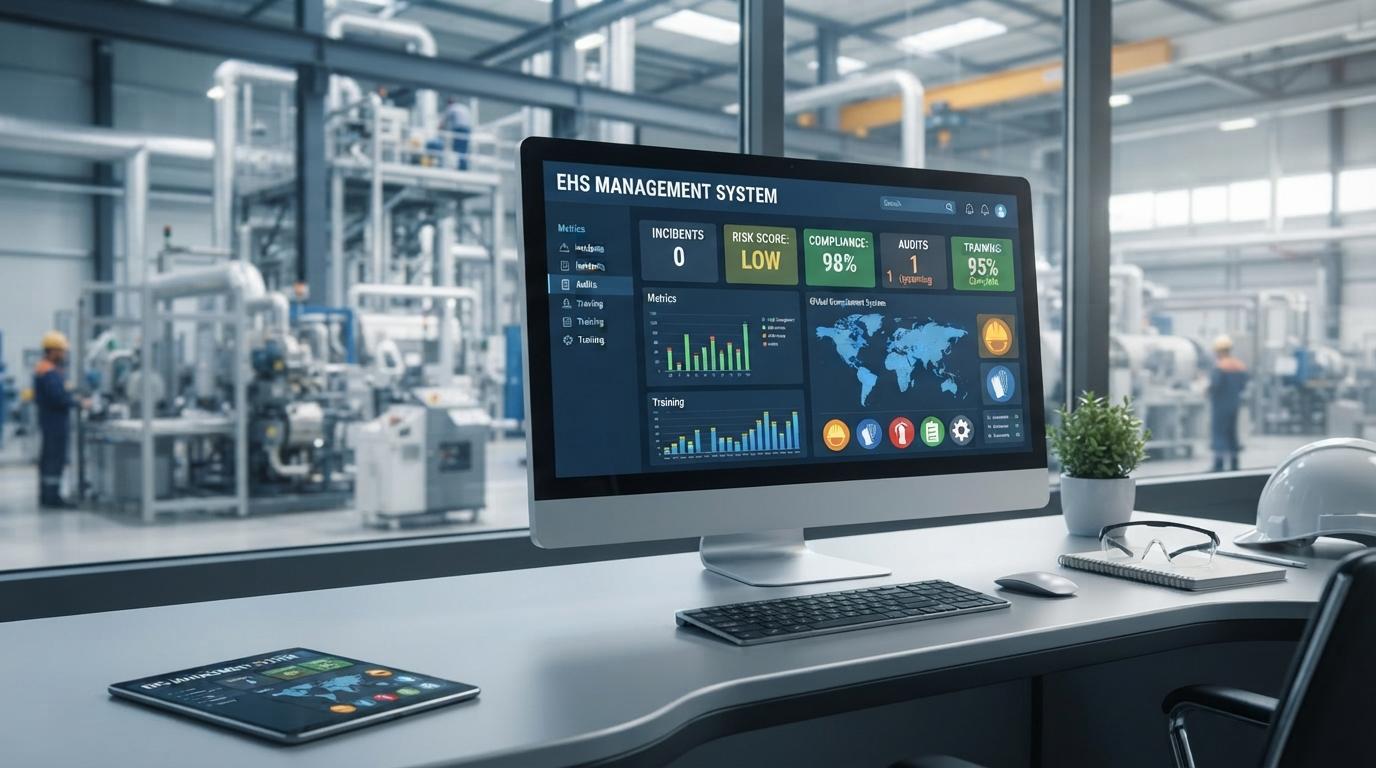
Managing environmental, health, and safety activities manually can become difficult when an organization has many employees, departments, locations, and operational risks. An EHS Management System provides a centralized way to manage safety activities, environmental responsibilities, risk assessments, inspections, incidents, corrective actions, and compliance records. With automated safety workflows, teams can reduce repetitive administrative work and keep important safety information organized.
For you as a safety manager or business leader, having a clear view of workplace risks is important. When employees use separate spreadsheets, paper forms, and email threads, safety information can become difficult to track. A centralized system gives teams a common place to report issues, assign actions, and monitor progress.
What Is an EHS Management System
An EHS Management System is a digital platform designed to help organizations manage environmental, health, and safety processes.
EHS stands for Environmental, Health, and Safety. These areas cover a wide range of activities that support safer workplaces and responsible environmental practices.
An EHS system can help organizations manage
- Risk assessments
- Hazard reporting
- Safety inspections
- Incident reporting
- Near miss reporting
- Corrective actions
- Safety training
- Compliance records
- Environmental activities
- Emergency preparedness
- Safety performance reports
Instead of maintaining separate records for each activity, employees can use one system to manage related workflows.
Why Automated Safety Workflows Matter
Safety teams often have to manage repetitive administrative tasks. Someone needs to review inspection findings, assign corrective actions, send reminders, update records, and prepare reports.
When these activities are handled manually, important tasks can sometimes be delayed or overlooked.
Automated safety workflows can help by moving information from one stage to another according to predefined rules.
For example, when an employee reports a workplace hazard, the system can notify the responsible supervisor. The supervisor can review the hazard, assign a corrective action, and set a deadline.
This creates a clear process without requiring employees to manage each step through separate emails.
How EHS Management Software Supports Safety Operations
EHS management software brings different safety activities into one centralized environment.
Employees can report hazards and incidents, while safety teams can review the information and take appropriate action.
Managers can monitor open tasks and review safety reports without collecting information from multiple departments.
A typical workflow may include
- Employee reports an issue
- Supervisor reviews the report
- Risk is assessed
- Corrective action is assigned.
- Employee completes the required action
- Safety team verifies completion
- The record is closed.
The exact workflow will depend on the organization's procedures, but the main idea is to create a consistent process.
Risk Management Software for Workplace Hazards
Risk management software helps organizations identify hazards and assess the risks associated with them.
A digital risk assessment can include information about
- Hazard type
- Work activity
- Employees exposed
- Existing controls
- Likelihood
- Potential consequences
- Risk level
- Additional controls
- Responsible person
Once the assessment is completed, the system can help track actions that need to be taken.
For example, if a warehouse identifies a risk related to damaged flooring, the system can assign an action to the responsible maintenance team.
This makes it easier to connect risk identification with practical action.
Hazard Reporting Through Digital Workflows
Employees are often the first people to notice unsafe conditions.
An EHS Management System can give workers a simple way to report hazards using digital forms. Depending on the platform, employees may be able to submit descriptions, photos, locations, or other supporting information.
Once a report is submitted, the responsible team can receive a notification and begin reviewing the issue.
This can encourage faster communication between workers and safety teams.
More importantly, organizations can maintain a record of reported hazards and review them later to identify recurring problems.
Safety Inspection Software
Regular inspections are an important part of workplace safety.
Safety inspection software can help teams create inspection schedules, digital checklists, and inspection records.
Instead of carrying paper forms around a facility, an inspector can complete the checklist digitally and record findings as they move through the workplace.
Inspection workflows can also help identify
- Unsafe equipment
- Blocked emergency exits
- Missing protective equipment
- Poor housekeeping
- Electrical concerns
- Fire safety issues
- Unsafe work practices
When an issue is found, it can be converted into a corrective action and assigned to the appropriate person.
Incident Management Software
Incidents require careful documentation and follow up.
Incident management software can help organizations record information about workplace injuries, property damage, environmental events, near misses, and other safety occurrences.
A digital incident record can include
- Date and time
- Location
- People involved
- Incident description
- Immediate response
- Investigation details
- Root cause information
- Corrective actions
- Supporting documents
Having this information in one place makes it easier for safety teams to review incidents and monitor follow up actions.
Near miss reporting can also provide useful information about hazards that could potentially lead to more serious incidents.
Automated Corrective Action Management
Identifying a hazard or incident is only the beginning. The organization must also take action to address the issue.
An EHS system can automate parts of corrective action management by assigning tasks, setting deadlines, and sending reminders.
For example, if an inspection identifies faulty equipment, the system can assign a corrective action to the maintenance department.
The responsible employee can update the task when work is completed, while the safety team can verify the result.
This creates a clear connection between the original finding and the final action.
Safety Compliance Software
Organizations may need to manage internal policies, regulatory obligations, audits, permits, training records, and other compliance activities.
Safety compliance software can help teams organize these requirements.
A centralized system can provide reminders for important activities and maintain supporting records.
Compliance workflows may include
- Policy reviews
- Legal requirement tracking
- Internal audits
- External audit preparation
- Safety inspections
- Employee training
- Corrective actions
- Document management
However, software alone does not guarantee compliance. Your organization still needs appropriate procedures, responsible employees, and regular reviews of applicable requirements.
Environmental Health and Safety Software
Environmental responsibilities can be managed alongside workplace safety activities through environmental health and safety software.
Depending on the organization's needs, environmental workflows may cover waste management, environmental inspections, emissions records, chemical handling, energy usage, or other environmental activities.
Having environmental and safety information within the same platform can help teams see how different operational activities are connected.
For example, improper chemical storage can create both an environmental concern and a workplace hazard.
A combined system allows the relevant teams to manage these issues through coordinated workflows.
Employee Training and Competency Management
Employee training is another important part of an EHS program.
Workers may need training related to equipment, emergency procedures, hazardous materials, personal protective equipment, or specific workplace risks.
An EHS Management System can help maintain training records and monitor upcoming renewal dates.
Managers can see which employees have completed required training and which employees may need additional sessions.
Automated reminders can also help prevent training deadlines from being forgotten.
Mobile Access for Safety Teams
Safety work does not always happen behind a desk.
Inspectors, supervisors, and field employees may need to report hazards or complete inspections while working on site.
Mobile access can allow employees to submit information directly from the workplace.
For example, an inspector can complete a digital checklist, attach a photograph of an issue, and submit the finding without returning to an office.
This can reduce paperwork and make information available to safety teams sooner.
Safety Reporting and Performance Monitoring
An EHS system can collect information from different safety workflows and turn it into reports.
Managers may review
- Incident numbers
- Near miss reports
- Inspection completion
- Open corrective actions
- Overdue tasks
- Training status
- Risk assessment results
- Environmental activities
These reports can help management identify patterns.
For example, if several incidents occur in the same work area, the safety team may decide to review the relevant procedure, equipment, or training requirements.
The purpose of reporting should be to provide useful information for safety decisions rather than simply creating more paperwork.
Improving Communication Between Teams
Safety responsibilities often involve multiple departments.
Operations may identify a hazard, maintenance may need to fix it, HR may manage training, and the safety department may verify the corrective action.
Without a centralized system, communication can become fragmented.
An EHS Management System can give different teams access to the information relevant to their responsibilities.
This helps create a clearer chain of responsibility from reporting through resolution.
Choosing the Right EHS Management System
Every organization has different safety requirements, so the right system should match your actual operations.
Before choosing software, consider
- Number of employees
- Number of locations
- Industry requirements
- Types of workplace hazards
- Environmental responsibilities
- Existing safety processes
- Reporting requirements
- Mobile requirements
- Integration needs
Important features may include risk assessments, incident management, inspection tools, corrective action tracking, training management, compliance records, and reporting.
You should also consider whether employees will find the system easy to use. A complicated platform may reduce adoption if workers struggle to report hazards or complete inspections.
How to Implement an EHS Management System
Implementation should start with your current safety processes.
Review how your organization currently handles inspections, risk assessments, incidents, training, corrective actions, and compliance records.
Then decide which workflows should be automated first.
A practical approach can include
- Review current safety processes
- Identify manual and repetitive tasks
- Select the required EHS modules
- Configure workflows and forms
- Set user permissions
- Import relevant records
- Train employees
- Test workflows
- Launch the system
- Monitor adoption and results
Starting with a few important workflows can make implementation easier. Once employees become comfortable with the system, additional processes can be introduced.
Final Thoughts on EHS Management System
An EHS Management System can provide organizations with a structured way to manage workplace safety, environmental responsibilities, risk assessments, inspections, incidents, corrective actions, training, and compliance activities.
Automated safety workflows can reduce repetitive administrative work and help teams maintain a clearer connection between identifying a problem and resolving it. For you and your safety team, this means important information can be easier to access, track, and review.
The most useful system is not necessarily the one with the largest number of features. It should be a platform that fits your organization's workflows, is practical for employees to use, and can support your safety and environmental requirements as operations grow.
With proper planning, employee training, and regular review, an EHS Management System can become a central part of organized safety operations and help teams manage workplace risks through consistent digital processes.